Your phone is great for quick stuff. Turn off a light. Check a camera. Start the robot vacuum so it can gently bully your rug. But if you want a real command center, your PC is the slept-on hero. With smartlife tools and a big screen, you can control devices, run automations, and monitor everything without hopping between ten apps like a caffeinated frog. This setup isn’t just for “smart home people,” either. If you’ve got a home office, a small shop, or even a side hustle with gear to manage, a PC hub can keep it all tidy. Less tap-tap chaos. More “one dashboard, one brain.”
Why a PC Hub Beats Phone-Only Control
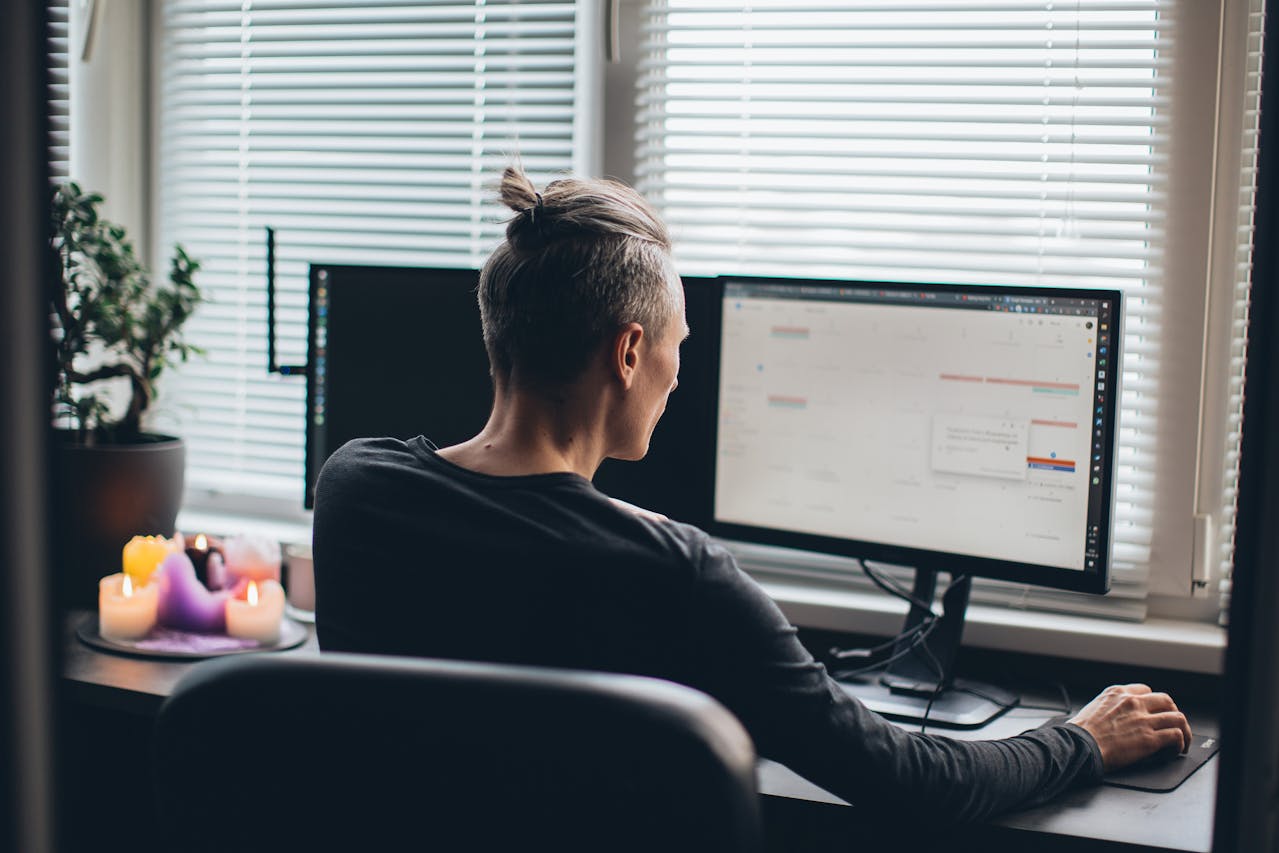 A PC gives you space and visibility. You can run multiple windows, keep a live view of cameras, and still have your calendar open without feeling like you’re playing Tetris on a tiny screen. It’s also easier for shared control. Family members or teammates can use one station instead of borrowing someone’s phone like it’s a sacred artifact. A desktop setup is also better for “set it and forget it” routines. You can keep dashboards running all day on a monitor. You can also pair your hub with a second screen for status panels. Think of it like turning your PC into the bridge of a spaceship, except your mission is keeping the porch light on and the thermostat reasonable.
What You Need Before You Start
You don’t need a monster gaming rig for this. A modest PC can do the job if it’s stable and stays on reliably. The bigger requirement is your network. Solid Wi-Fi, a decent router, and consistent device connectivity matter more than raw CPU muscle. You’ll also want a clear inventory of your devices and platforms. List your lights, plugs, cameras, sensors, and voice assistants. Note what apps they use and what ecosystems they support. If you’re building a hub for home plus business control, add things like smart locks, POS-area cameras, and schedule-based lighting.
Choosing the Right Control Software and Dashboard
A PC hub works best when everything lands in one interface. Look for software that supports multiple device brands and lets you create scenes, rules, and schedules. You want simple logic you can trust. “If motion after 10 PM, turn on hallway lights.” That kind of thing. If your automation requires a spreadsheet and a prayer, it’s too complicated. Dashboards are where the magic feels real. You can build panels for security, climate, lighting, energy use, and routines. Put the most-used controls front and center. Hide the rarely used stuff so it doesn’t clutter your view. If you want a deeper walk-through of turning a PC into a complete automation control center for home and business, the guide from Franchise Manila covers the concept and setup approach in a practical way.
Automation Ideas That Actually Make Life Easier

Start with automations that remove daily friction. Set lights to match your schedule so you don’t walk into a dark room carrying groceries like a raccoon. Add “work mode” that changes lighting, starts focus music, and silences certain notifications. Use sensors to trigger fans or air purifiers when humidity rises. Simple automations deliver the biggest wins.
Security and Reliability So Your Hub Doesn’t Get Weird
A control hub should feel stable, not spooky. Use strong passwords and enable two-factor authentication where possible. Keep your system and apps updated. Separate guest Wi-Fi from your main network so visitors aren’t sharing the same lane as your smart devices. If you can, use a wired connection for the PC hub for fewer dropouts.…