

Before we jump into the tech talk, let’s clear something up: most people assume their WiFi is safe because “it’s been fine so far.” I’ve heard that line many times, usually right before someone realizes a neighbor has been mooching off their internet for months. The good news? You can tighten things up fast. One minute is all you need to spot trouble and fix the basics.
Check Who’s Actually on Your Network
Start with the simplest step: look at the list of devices connected to your WiFi. Almost every router shows this with a quick glance at its admin page. You might recognize your phone, laptop, and TV right away. But if you see an odd device or something that reads like “Unknown_54B2” — that’s your cue to dig deeper. Many people skip this because it feels too techy, but it’s way simpler than it sounds. Think of it like checking your front door. You wouldn’t leave it wide open, right? Same idea here. An unexpected device often signals someone hitching a free ride or, worse, snooping on your traffic.
Change Your WiFi Password More Often Than You Think
A lot of households use the same password for years. Sometimes it’s the one printed on the router. Sometimes it’s the family dog’s name with a couple of numbers. Either way, stale passwords make your network fragile. Updating them takes seconds and gives intruders a swift eviction notice. Keep the new password strong, but don’t overthink it. Mix up letters, symbols, and numbers in a way you’ll still remember later. Think of it as swapping an old deadbolt for a sturdier one. It doesn’t have to be masterpiece-level security — just solid enough to shut out uninvited guests.
Turn Off Features You Don’t Actually Use
Your router probably has features you’ve never touched. Guest networks, remote access, WPS, and random settings you’ve never clicked — all potential entry points if left open. The trick is to shut down anything that doesn’t serve you. It’s like closing windows you forgot you left open during a storm. Don’t be afraid to explore those settings. You’re not going to break anything by turning off something you don’t need. If you see an option that looks odd or outdated, look it up. A quick search can tell you if it helps or harms your security. Most of the time, less is more.
Update Your Router Firmware Before Problems Start
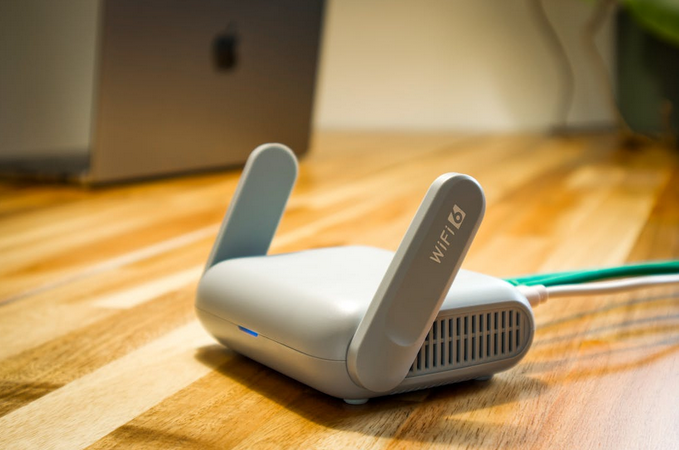
Routers age quickly. Not like bread-on-the-counter quick, but pretty close. Manufacturers frequently release updates that fix weak spots. If you ignore them, your router stays stuck with the same old vulnerabilities. A simple update can close holes you didn’t even know existed. Some routers update automatically, but many still require manual action. It’s worth spending a minute checking. Think of firmware updates like oil changes. You may not notice the benefit right away, but skipping them leads to trouble down the road.
If you’ve made it this far, you’re already ahead of most households. WiFi security isn’t mysterious or complicated — it’s a series of quick checks that add up to real protection. A minute today saves you headaches later, and your network will thank you for giving it some attention.…